Nothing to install on the Mac
Turn on Screen Sharing in System Settings. DualMac speaks VNC directly to it.
DualMac is a VNC client that connects straight to macOS Screen Sharing. No subscription, no account, nothing to install on the Mac.
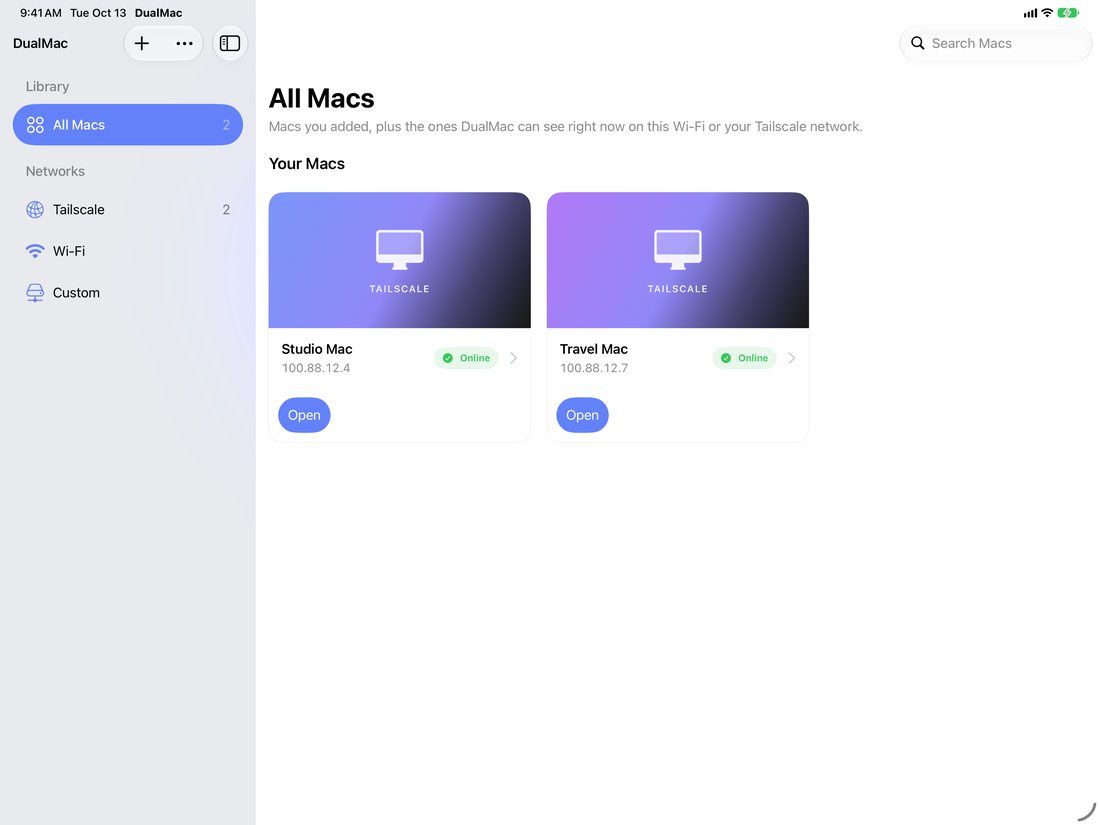
Every Mac you own, one tap away. Works over Tailscale or your LAN.
WHAT IT DOES
Turn on Screen Sharing in System Settings. DualMac speaks VNC directly to it.
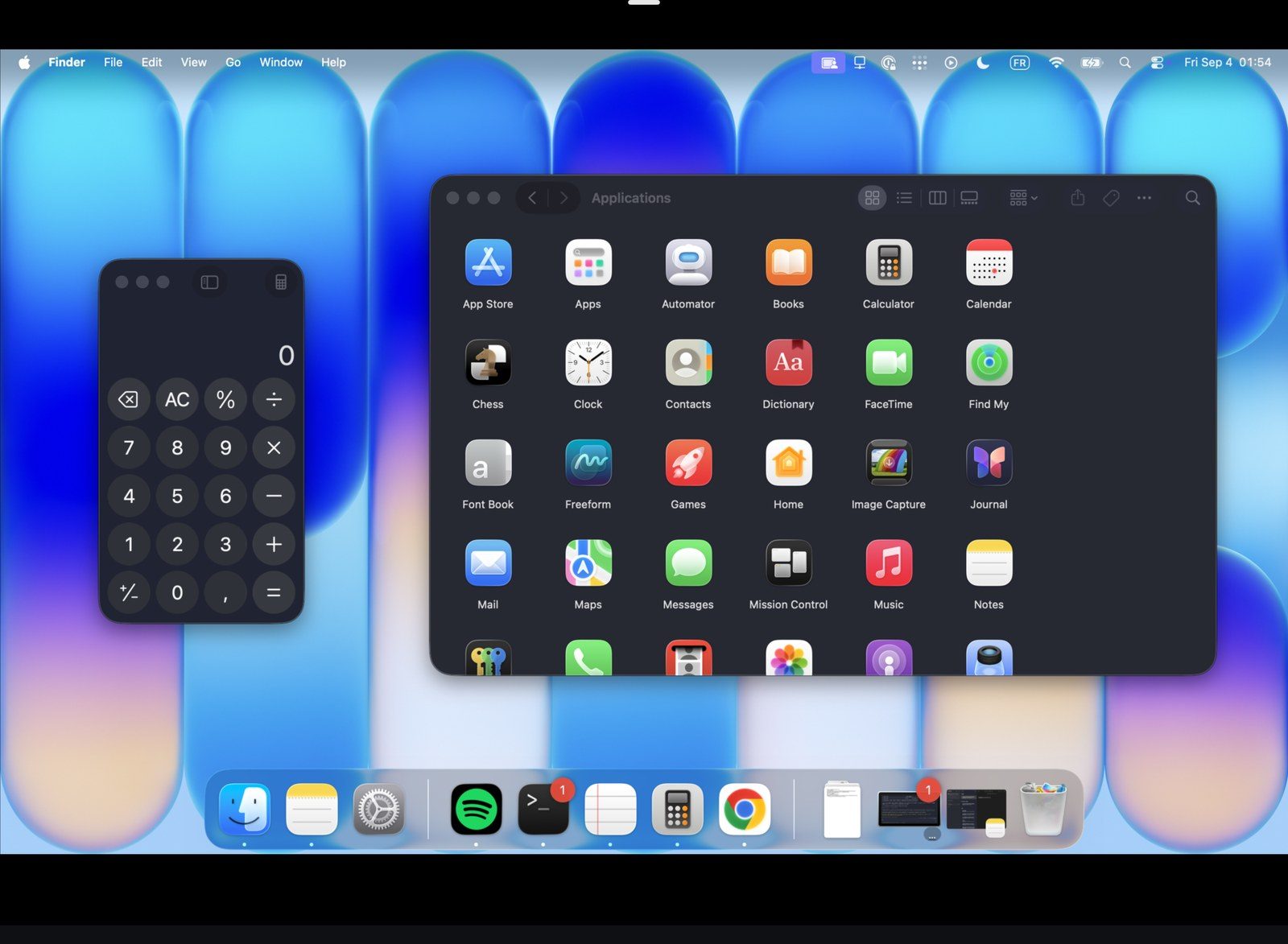
Save every Mac you own and open any of them in a tap. Mac shortcuts are forwarded to the Mac.

No subscription, no in-app purchases. Nothing to sign up for on either device.

A free macOS menu bar app adds H.264 Enhanced streaming, clipboard, files, wake and display selection.

Mac with more than one screen? Switch between its displays from the session, or see them all at once.

LAN or your Tailscale tailnet. No relay, no ads. Passwords stay in the Keychain.
HOW IT CONNECTS
Port 5900 stays inside your network. The Companion listens on 59590, also inside. Neither is ever exposed to the internet, and there is no DualMac server to go through.

ON THE IPAD
QUESTIONS
Yes. No subscription, no in-app purchases, no account. The Companion for macOS is free too.
No. Classic VNC works with macOS Screen Sharing alone. The Companion adds H.264 Enhanced streaming, clipboard, files, wake and display selection.
Yes, over Tailscale. Install it on the iPad and the Mac; DualMac reaches the Mac across your tailnet. There is no relay in between.
iPhone and iPad, yes. Windows, no: DualMac controls Macs only.
GET IT
No subscription, no account, no relay. DualMac talks to your Macs over your own network and nothing else.
Download on the App Store